01
Choose an invoice format
Open the invoice generator and choose a format for your invoice.
Add your business and customer details, items, prices, and tax. Check the preview for free, then use credits to download a PDF to print or share.
Choose what you need to create and start with the right details.
For sellers and service businesses requesting payment or sharing a price before work begins.
For businesses confirming money they actually received from a customer.
For employers, household payers, landlords, and tenants recording salary or rent.
For providers or personal records based on a purchase, trip, stay, treatment, or service that actually happened.
Choose an invoice format, add your business and customer details, and list what you sold. Add any tax and payment terms, then check the total before downloading your PDF.
Open the invoice generator and choose a format for your invoice.
Fill in the names, dates, items, prices, tax, and notes.
See how it looks before you pay for the final PDF.
Download a neat PDF for customers, printing, or your records.
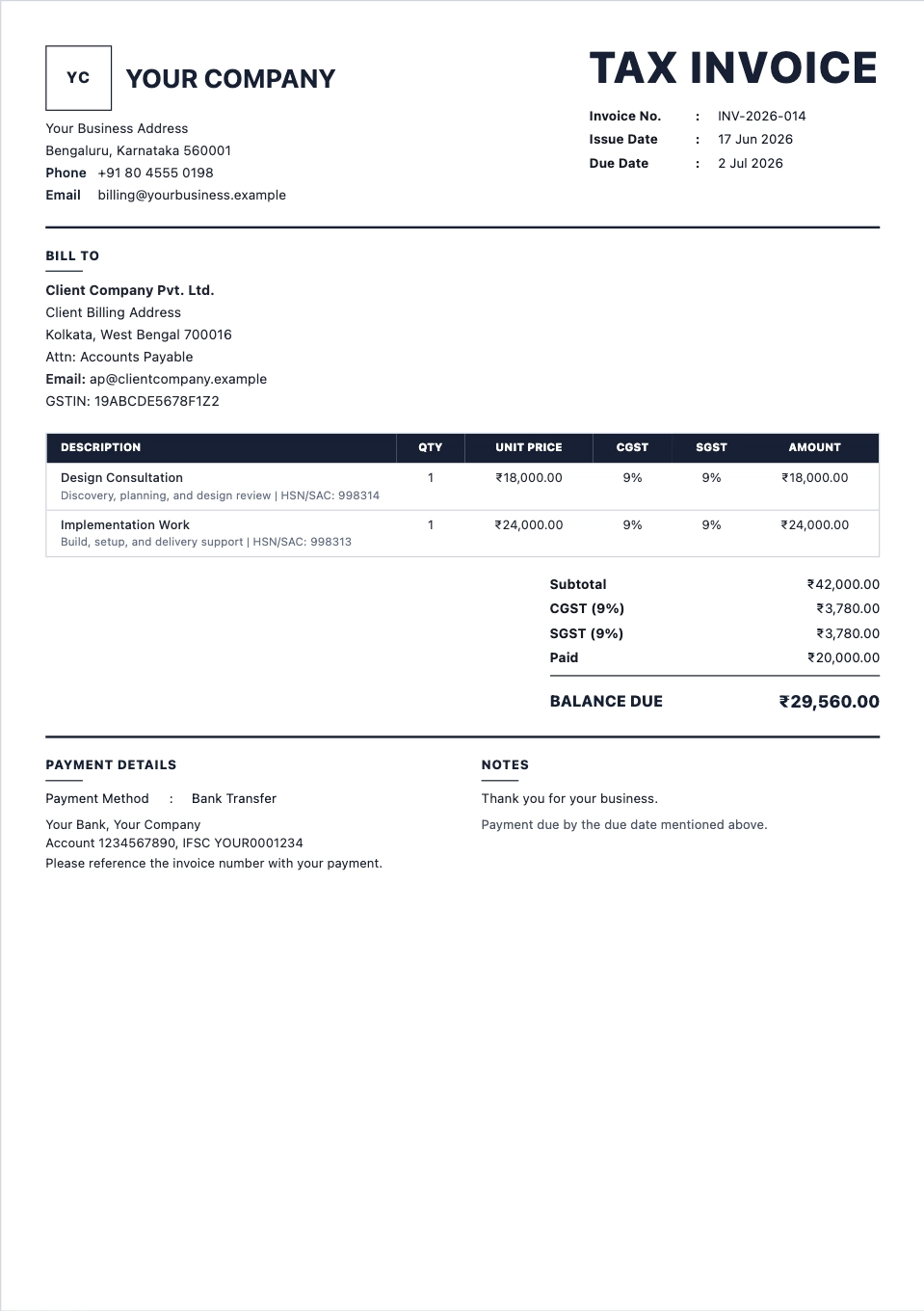
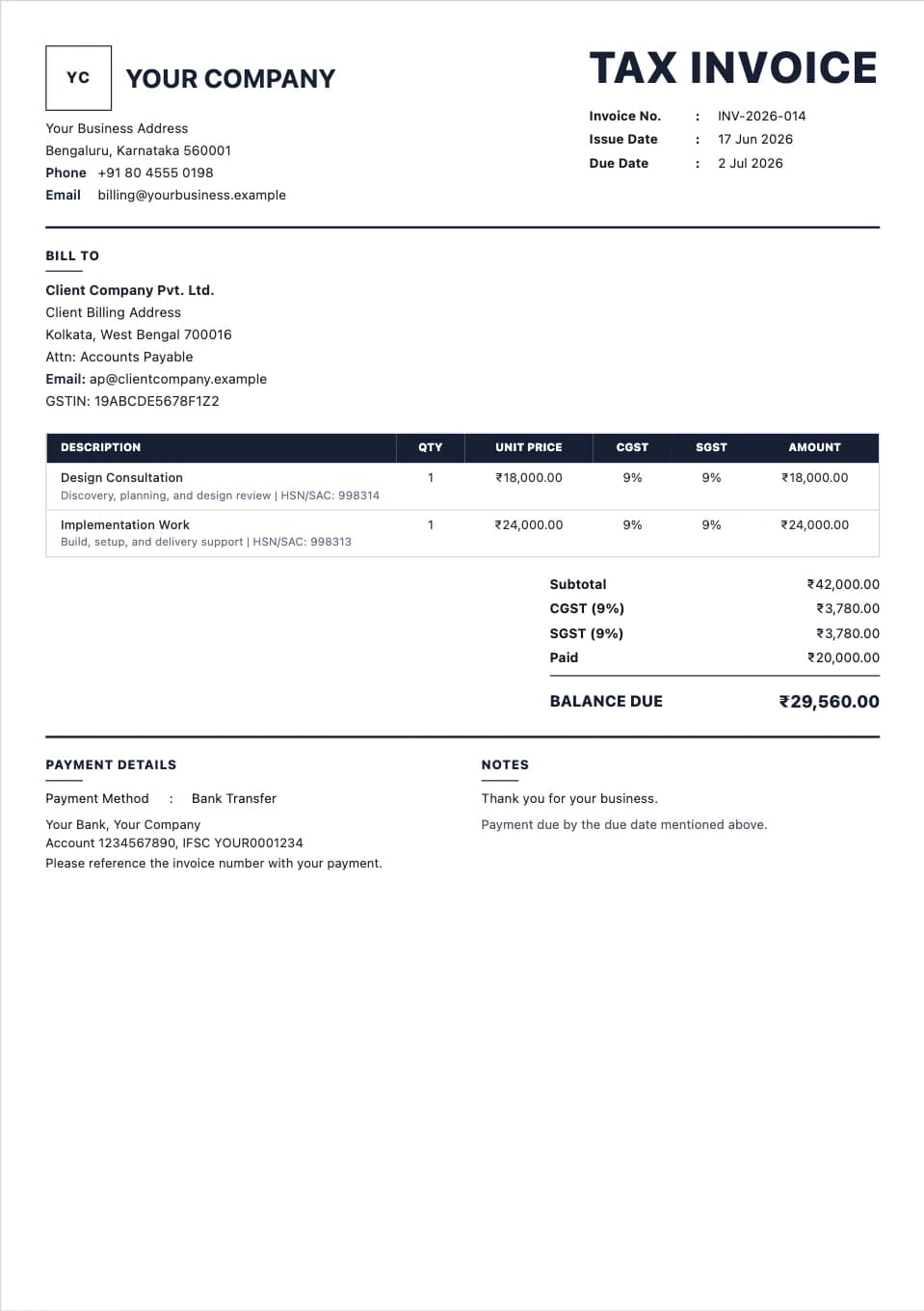
A clear invoice format for item rows, tax, totals, notes, and payment terms.
Preview format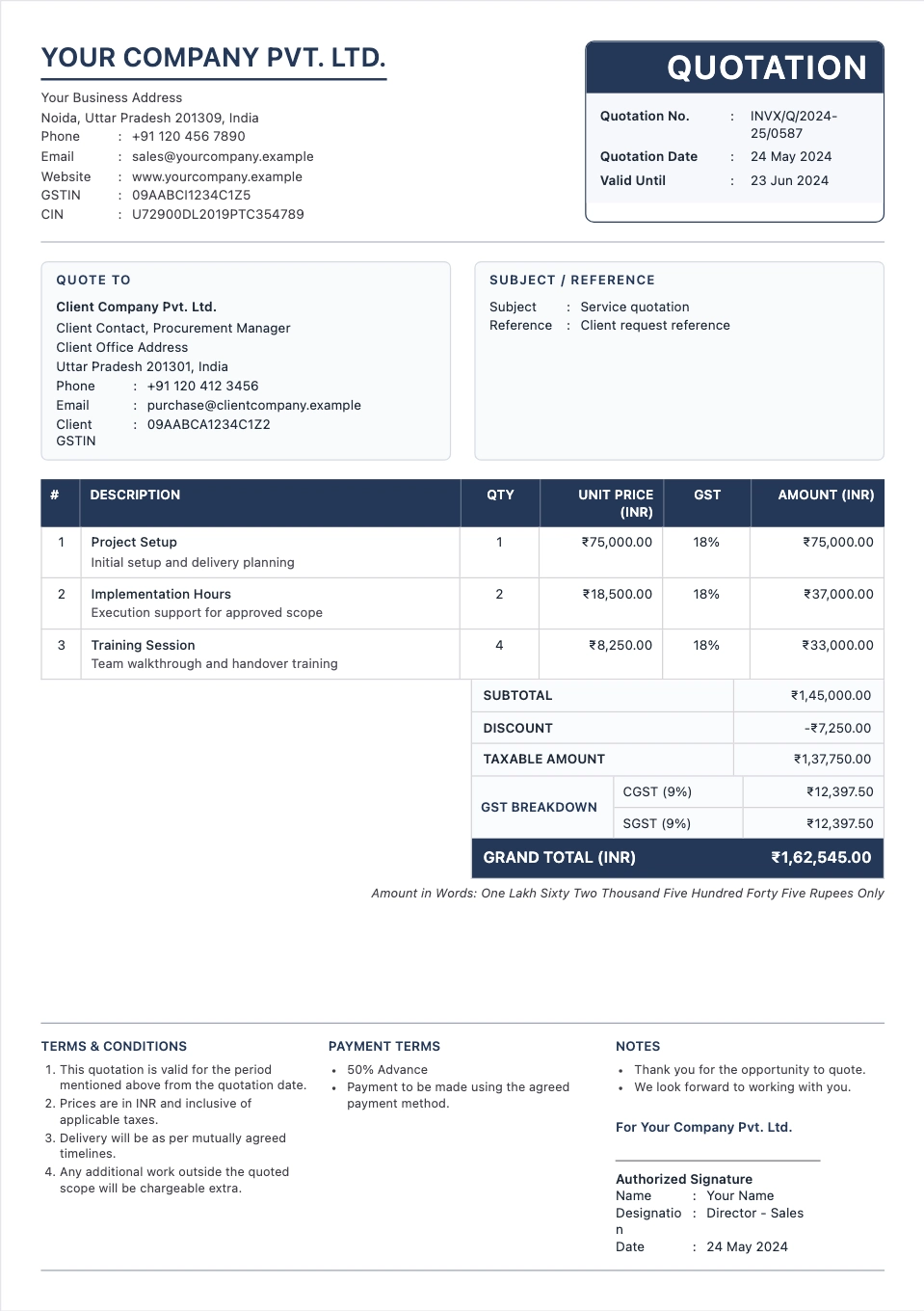
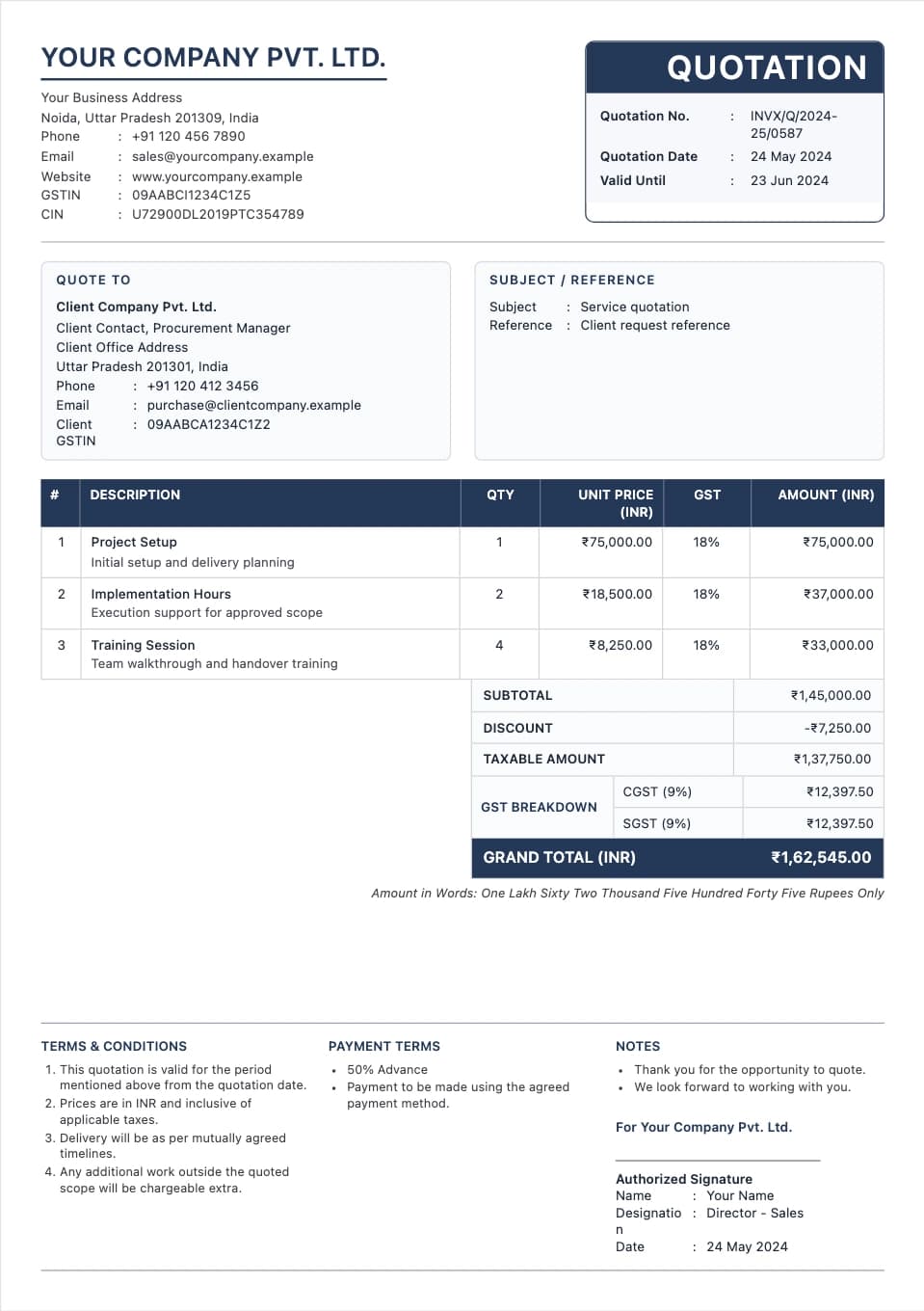
Send prices before the work starts, with scope, tax, validity, and terms.
Preview format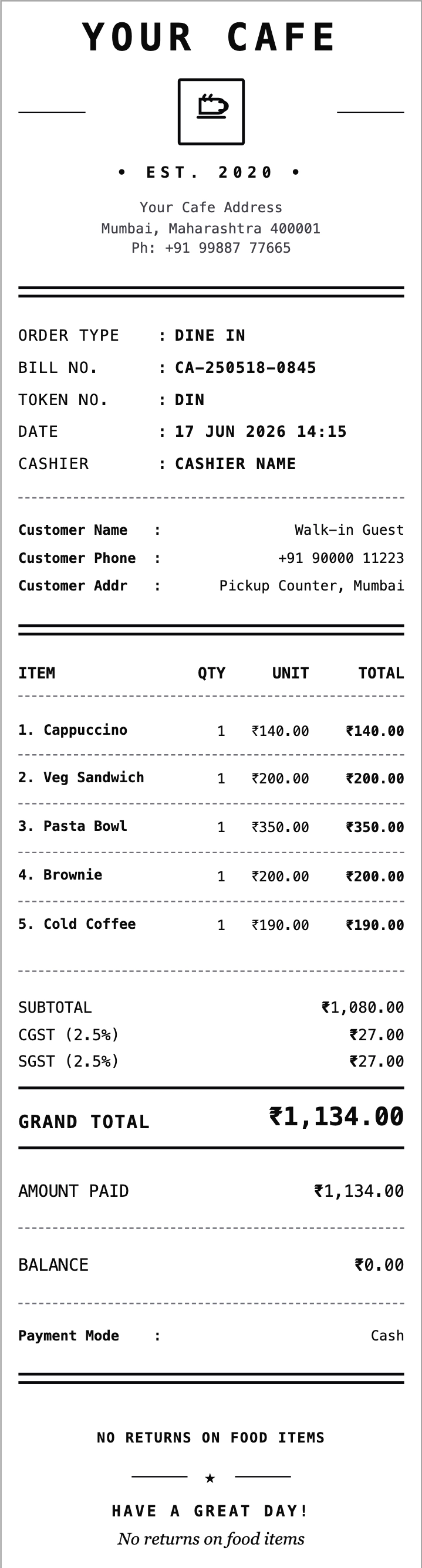
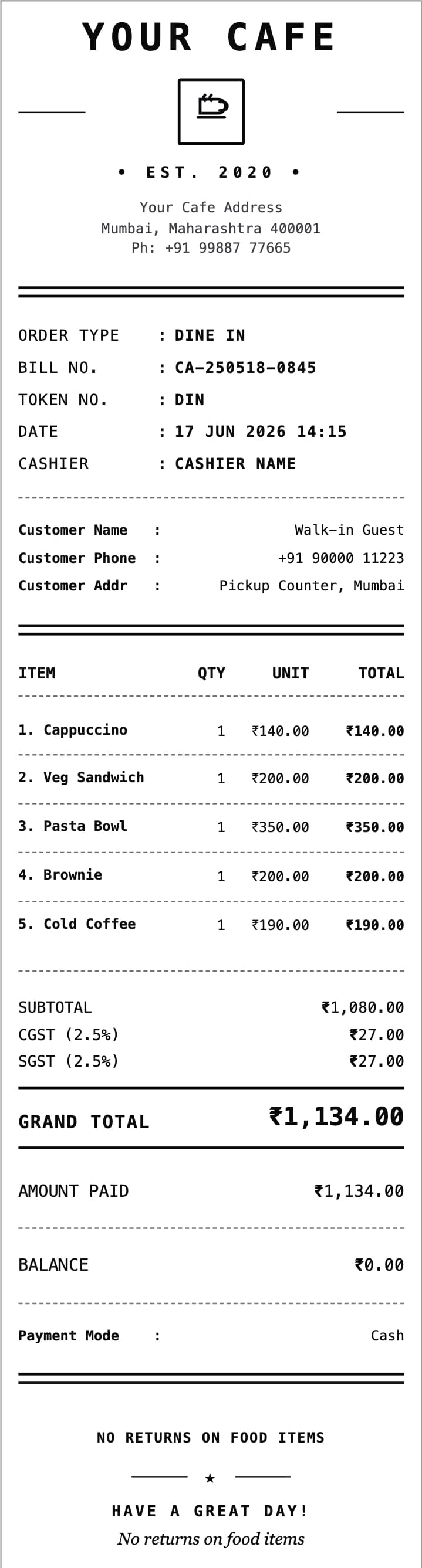
Itemized food bills for dine-in, takeaway, delivery, and counter orders.
Preview format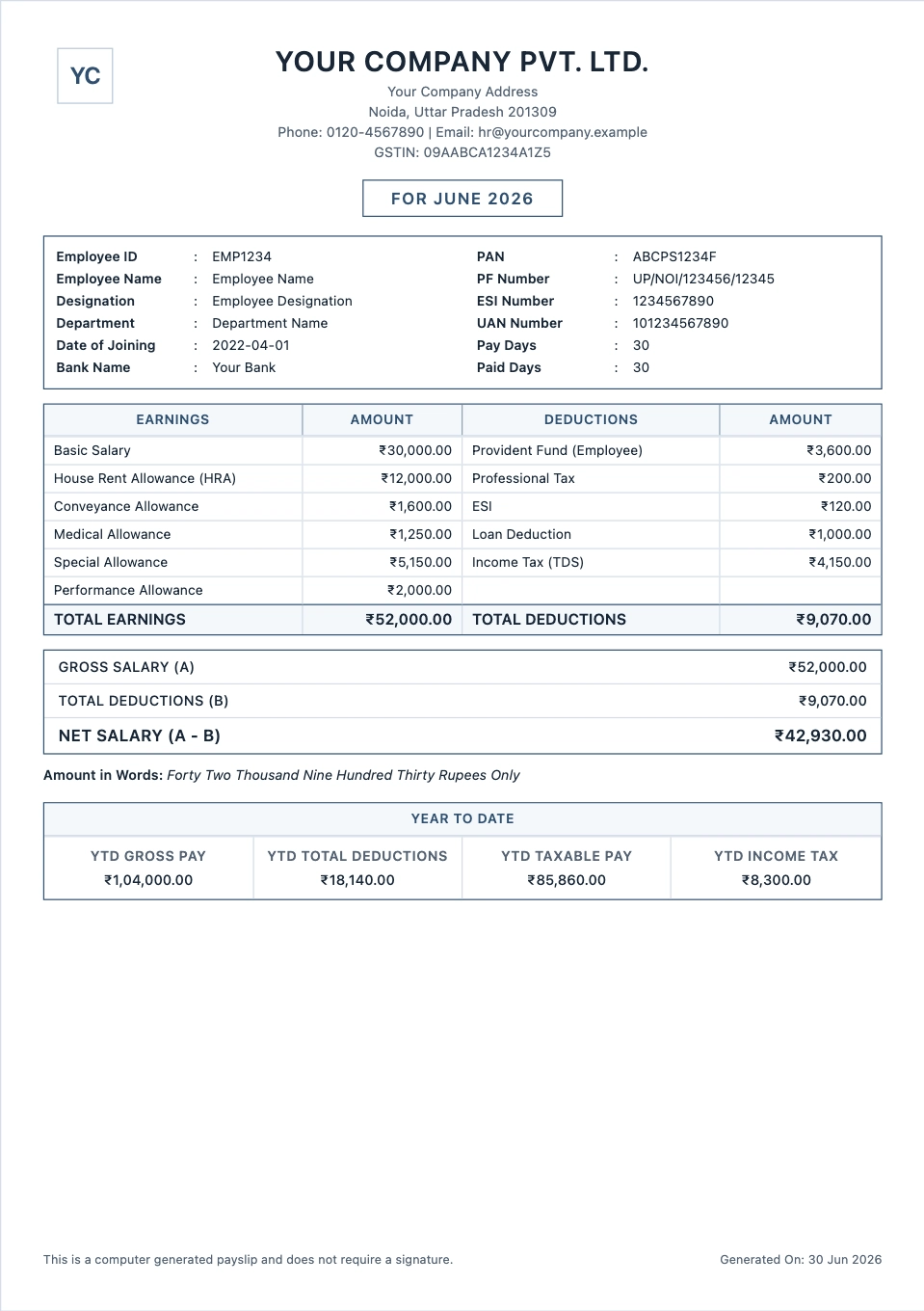
Monthly salary slips with earnings, deductions, and take-home pay.
Preview formatOpen the invoice generator and choose a format. Add your business and customer details, list the items and prices, and add any tax. Check the preview, then download your PDF.
You can fill in your details and check the preview for free. Downloading the final PDF uses credits. The price is shown before you download.
Yes. The invoice generator lets you upload your logo and add your business name, address, and contact details. Check how they look in the preview.
Yes. Download the finished invoice as a PDF, then print it or attach it to an email or message for your customer.
Yes. Add the tax that applies to your sale. Check the amounts and final total before sharing the invoice.
Yes. BillQuest also has tools for quotations, payment receipts, salary slips, rent receipts, and restaurant, fuel, hotel, and medical bills. Choose the tool you need and use the details from the actual sale, payment, or service.